Flexible scheduling: exact dates, approximate timeframes or someday
Some things happen on a date. Others happen "early next month" or "one day". Remi gives each kind of reminder its own honest home, so you never invent a deadline just to save it.
 Remi is an iPhone appPoint your iPhone camera at the code to install it.
or text me the link
What flexible scheduling does
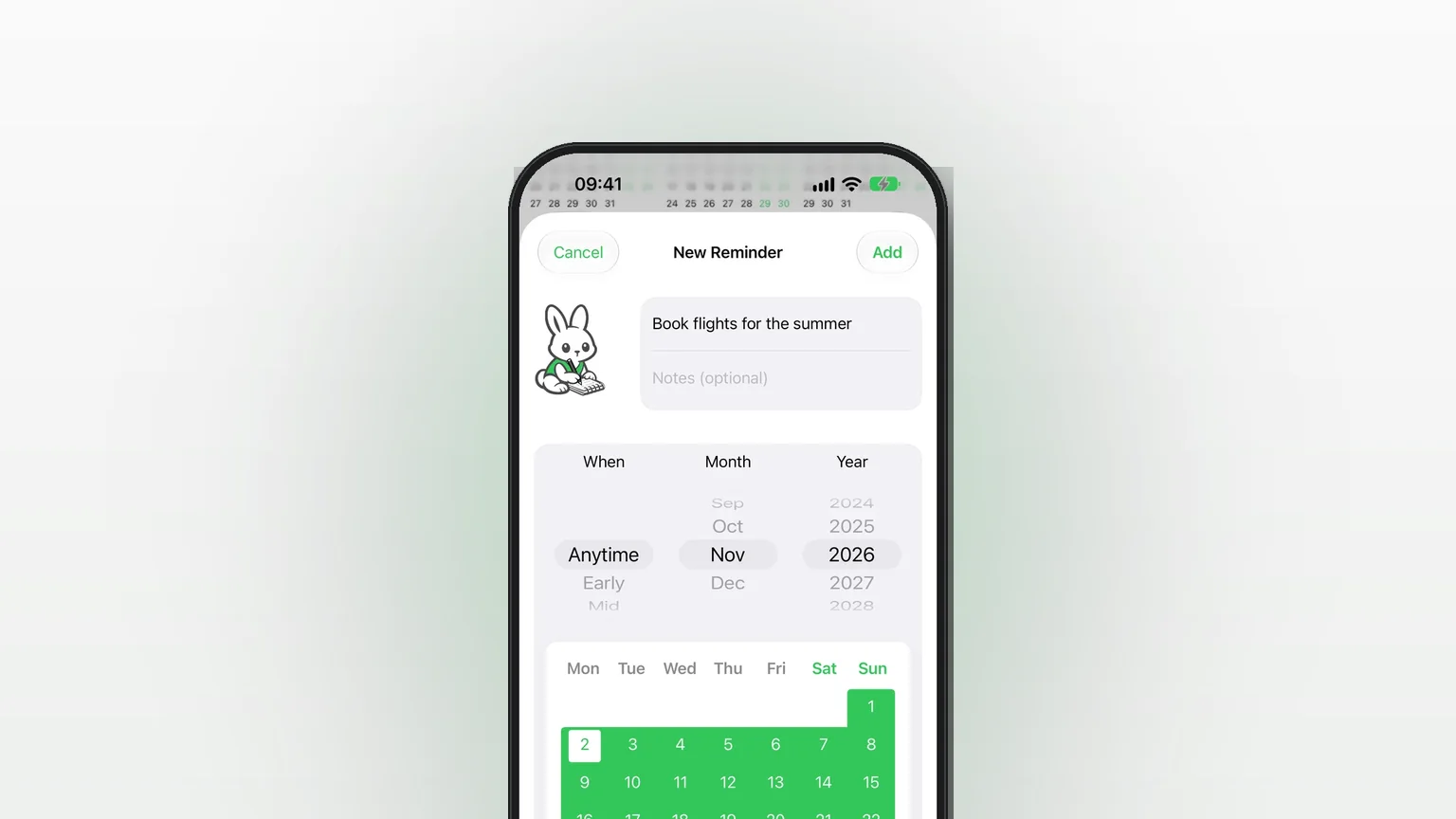
Every reminder in Remi is one of three kinds: an exact date, an approximate timeframe (Anytime, Early, Mid or Late of a month), or Someday, with no date at all. You choose the kind in one editor, and you can change it later.
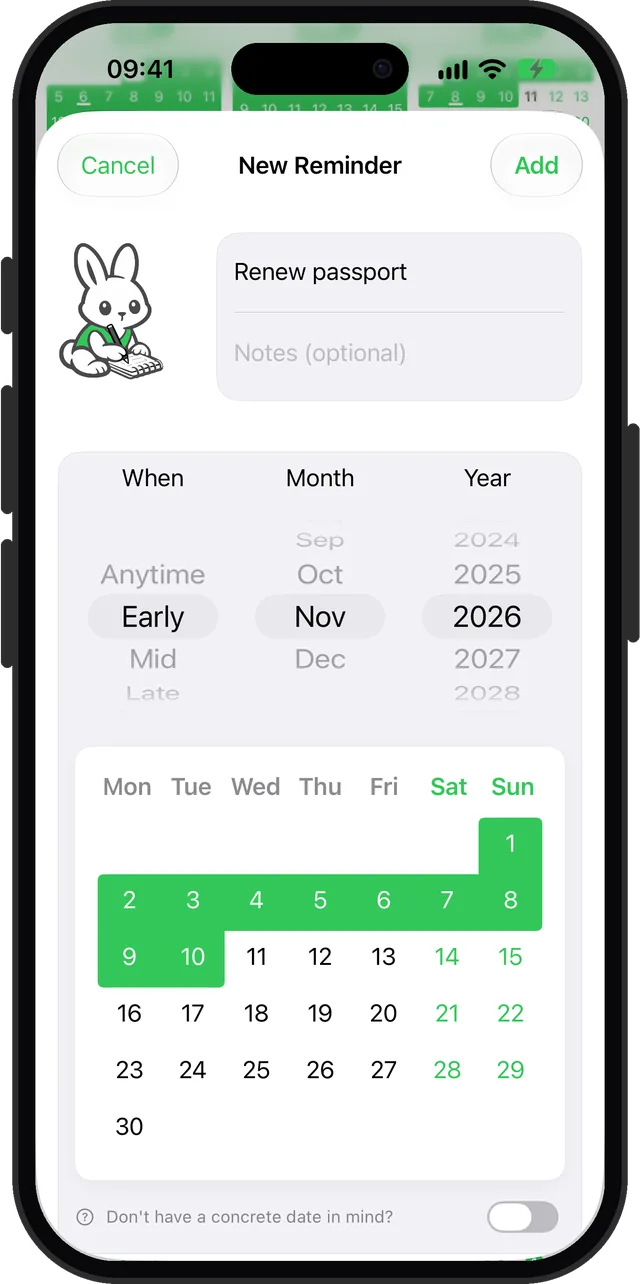
The built-in Clock app is built for the moment: an alarm at a time, on set days. That is the right tool when something must ring at 7:00. According to Apple's Reminders support page, the date shortcuts in the built-in Reminders app are Today, Tomorrow, This Weekend, Next Week or Custom, so a task still needs a specific day if it should show up on a date. "Renew the passport sometime in early November" does not fit that shape. Remi stores it as exactly that, and shows it as "Early November 2026".
How it works in the app
- Tap the green + button. The New Reminder screen opens.
- Type a Title. Notes are optional.
- Under When, Month and Year, spin the wheels. The first wheel offers Anytime, Early, Mid, Late and Exact.
- For an approximate timeframe, stop on Anytime, Early, Mid or Late. The mini calendar below highlights the days that part covers.
- For an exact date, pick Exact, or simply tap a day on the mini calendar. Remi switches to Exact for you. You can also drag across several days to save a date range.
- For no date, switch on the toggle labelled Don't have a concrete date in mind?. The pickers disappear and the reminder goes to Someday.
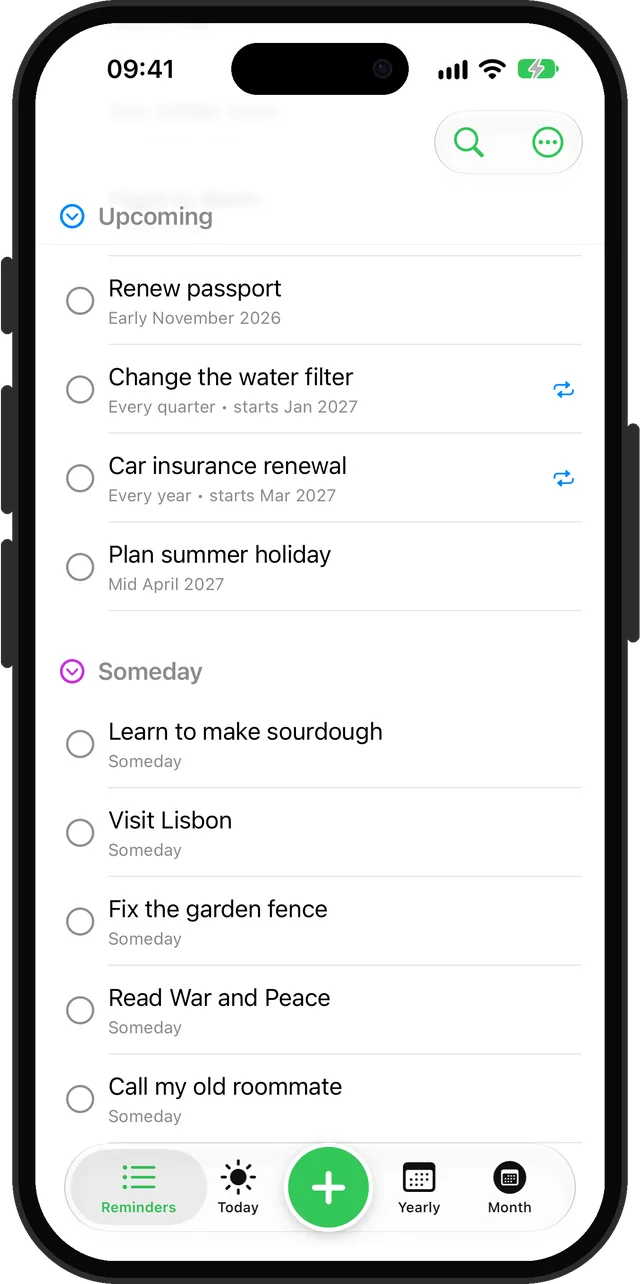
- Tap Add. The reminders list shows Upcoming, with Someday underneath.
To firm up a Someday item later, open it and give it a month and a part of the month, or an exact day. It moves into Upcoming. You can also go the other way and move a dated reminder back to Someday.
Every option
| Kind | What you pick | What happens |
|---|---|---|
| Exact | A day, or a range of days | Shows on that day. Can send a notification (see limits). |
| Anytime | A month and year | Shows for the whole month. |
| Early / Mid / Late | A month and year | Shows for that part of the month. |
| Someday | The toggle | Sits in the Someday section. Never overdue. |
You decide where Early, Mid and Late fall. Open Settings and go to Early, mid, late. A Preset control offers three splits:
| Preset | Early ends on | Mid ends on |
|---|---|---|
| 10/20 (default) | day 10 | day 20 |
| Balanced | day 9 | day 18 |
| 7/21 | day 7 | day 21 |
Late runs from the next day to the end of the month. Changing the preset also updates the widgets and any events Remi has synced to your calendar. The Month and Yearly views show approximate reminders too, as the yearly overview page explains.
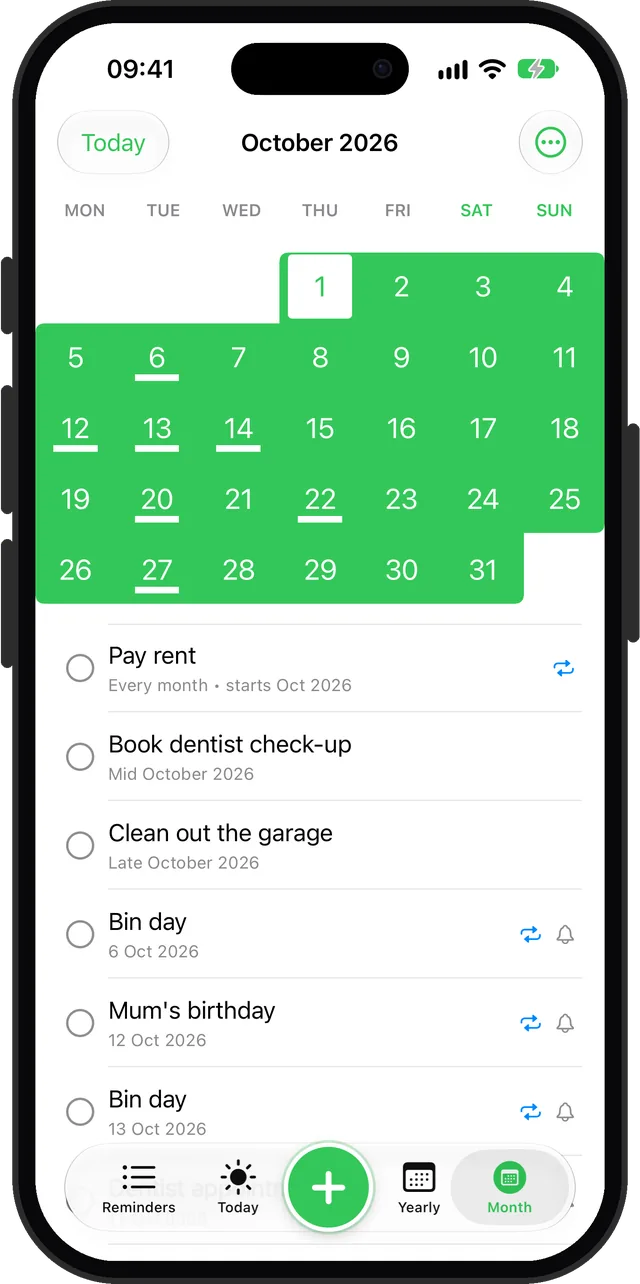
Exact and approximate reminders can both repeat, which is a Premium feature. Approximate ones repeat by month, quarter or year. Details are on the recurring reminders page.
When to use each kind
An errand with a loose window
"Book the dentist" or "clean out the garage" matter this month, not on a particular Thursday. Pick Mid or Late and the task stays visible without a fake deadline. See reminders for sometime next month.
A bill or booking with a real date
Rent, a flight check-in or a school event has a day. Use Exact, switch on Notify Me, and Remi sends a notification for it.
A wish you have not committed to
"Visit Lisbon" or "learn to make sourdough" belong in Someday. They stay out of your overdue list because Someday reminders are never overdue. The someday/maybe list guide covers how to review them.
A project that is slowly getting real
Start in Someday. When you have a season in mind, move it to a month with Anytime. When the month arrives, narrow it to Early, Mid or Late, then to a day. You commit only as far as you know.
A trip or a busy stretch
Drag across days on the mini calendar to save a date range, such as a week away. It shows across all those days.
Limits
- Only exact-date reminders send a notification. Approximate and Someday reminders appear in your lists, calendar views and widgets. You can turn on an optional weekly and monthly Summaries notification in Settings, and both are off until you enable notifications.
- Exact reminders have no time picker in the editor. They notify at one daily time you set under Settings > Notifications. For something that must ring at a set time, use an alarm in Clock.
- Approximate reminders do go overdue. After their part of the month ends, they turn overdue. Only Someday is exempt. The No Stress Mode setting hides the red highlight.
- Dates more than five years ahead need Premium. So do repeats and voice input. Someday reminders, and exact or approximate dates up to five years out, are free.
- The parts are fixed to three. You can move the boundaries with presets, but you cannot add a fourth part such as "end of the month" or pick your own days outside those presets.
For hands-free entry, voice input (Premium) understands phrases like "early March". A request with no date and no repeat becomes Someday.
Sources
Questions
What are someday reminders?
A someday reminder in Remi has no date. You save it by switching on "Don't have a concrete date in mind?" and it goes into the Someday section of your list. It is never overdue, and you can give it a date later.
Can I make a reminder without a date on iPhone?
Yes. Apple's own Reminders app treats the date as optional, and Remi gives undated reminders a dedicated Someday section. You can assign a month or an exact day to a Someday reminder whenever you are ready.
How do I set a reminder for sometime next month?
In Remi, open New Reminder, spin the first wheel to Anytime, Early, Mid or Late, and set next month and the year. The reminder shows for that part of the month instead of one invented day.
Will an approximate or someday reminder send a notification?
No. Only exact-date reminders send their own notification. Approximate and Someday reminders show in your lists, calendar views and widgets, and you can add a weekly or monthly summary notification in Settings.
Can I change what Early, Mid and Late mean?
Yes, within three presets. Go to Settings, then Early, mid, late, and choose 10/20, Balanced or 7/21. The default is Early to day 10 and Mid to day 20.
Is flexible scheduling free?
Someday reminders are free, and so are exact and approximate dates up to five years ahead. Repeating reminders, voice input and dates further out need Premium, a one-time purchase.
Plan at the pace you actually know
Get Remi on the App StoreMore features
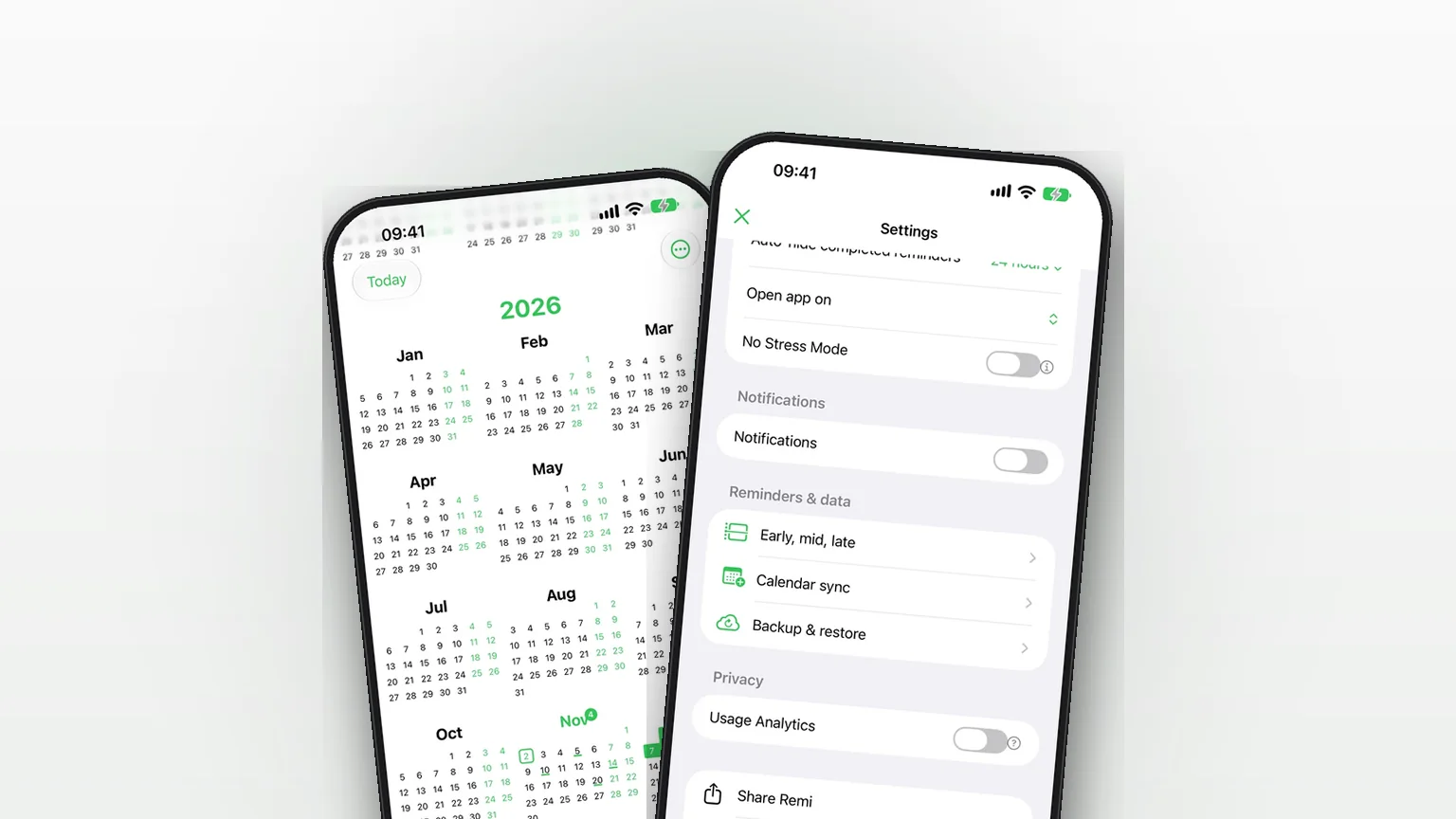
Sync your reminders to the iPhone Calendar app
Copy your reminders into an iPhone calendar as all-day events, one way, so your calendar shows them without ever changing Remi.
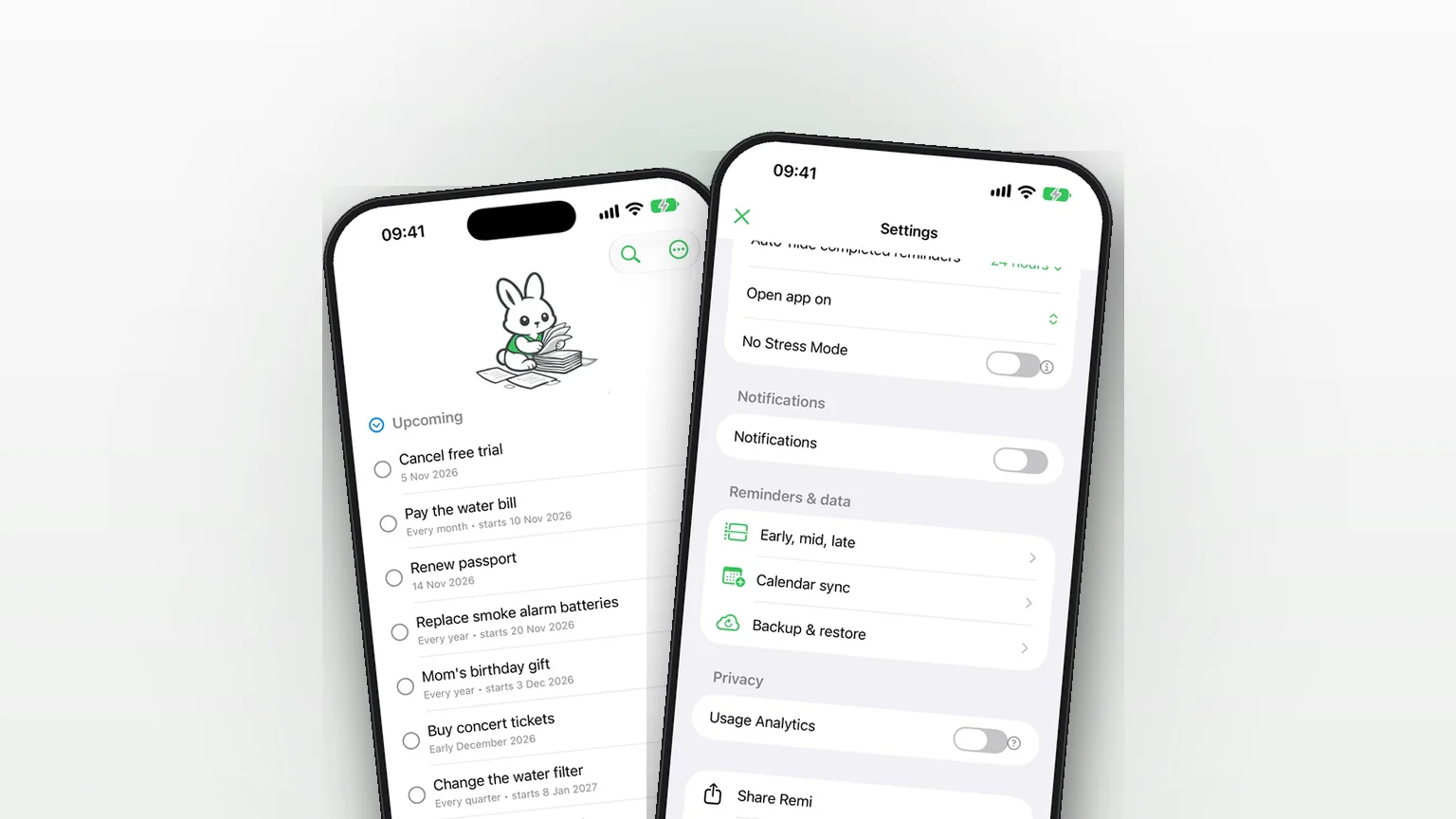
iCloud Backup and Restore in Remi
Back up your reminders and settings to your own iCloud and restore them from inside the app.
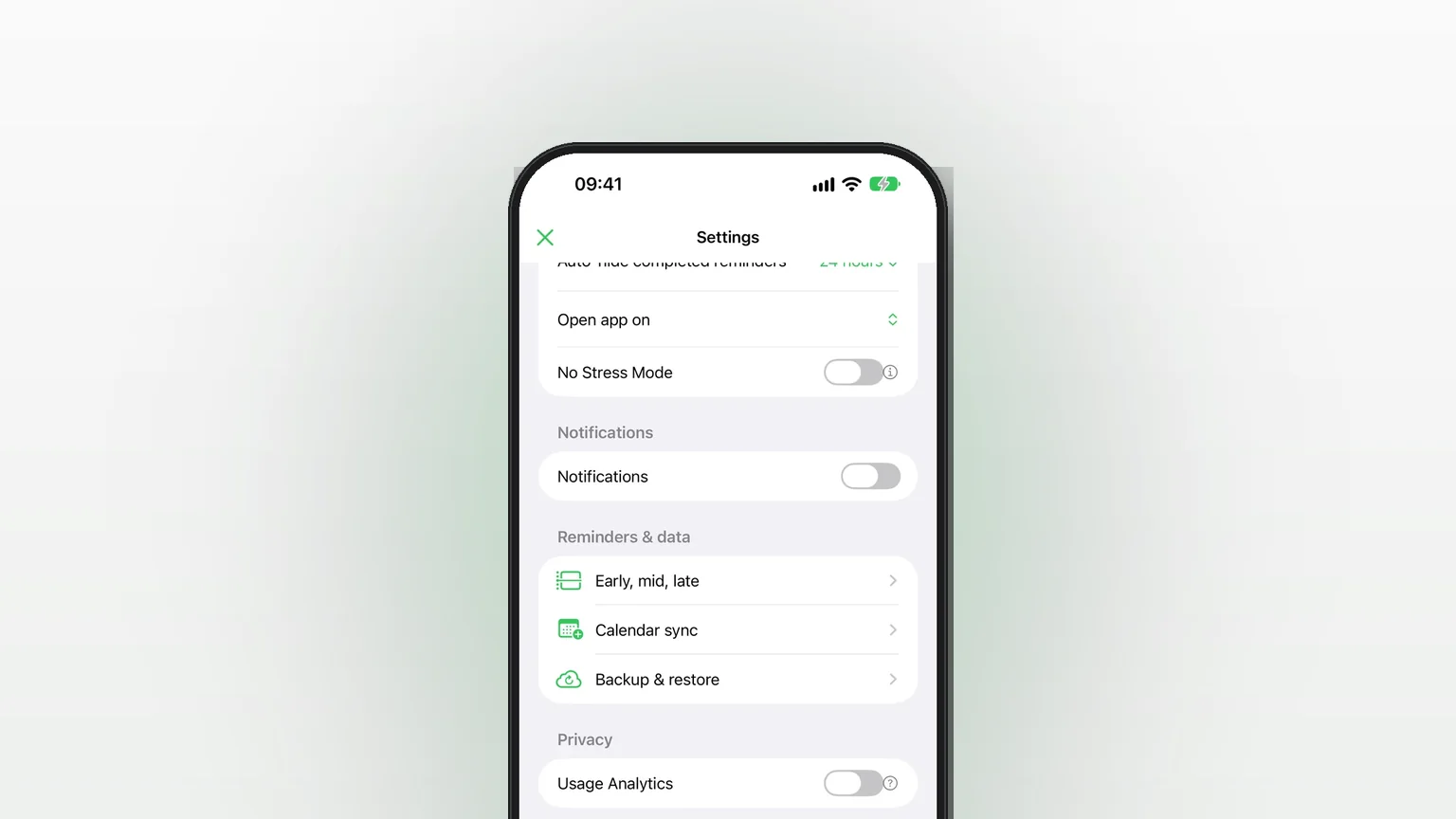
Privacy in Remi: No Account, Reminders Stored on Your iPhone
No account, reminders stored on the iPhone, and an off switch for anonymous analytics.
Updated 2026-11-01. Written by Emils Ozols, who makes Remi.