Privacy in Remi: No Account, Reminders Stored on Your iPhone
You can use every part of Remi without signing up. Your reminders live on your iPhone. Anything that leaves it is something you switch on, except anonymous usage analytics, which has an off switch in Settings.
 Remi is an iPhone appPoint your iPhone camera at the code to install it.
or text me the link
What privacy means in Remi
Remi has no sign-up, no login and no Remi server that holds your reminders. The reminder list is saved on your iPhone, notifications are scheduled by iOS on the device, and the optional network features are iCloud backup, which uses your own iCloud, calendar sync, and anonymous usage analytics, which you can switch off.
The built-in Clock app holds alarms and timers, not a long list of dated tasks, so people reach for a reminder app, and that is where the question "where does my list live?" starts to matter. Remi answers it with: on your phone, and nowhere else unless you turn on backup or calendar sync. Apple's own apps follow their own rules, and this page covers only what Remi does.
How it works, step by step
There is nothing to set up, which is the point. Here is where each privacy control sits:
- Install Remi and open it. A short intro walks you through your first reminder, and you can skip it. There is no account screen at any step.
- Tap the green + button and add a reminder. It is written to storage on the iPhone (encoded and saved in the app's own data on the device).
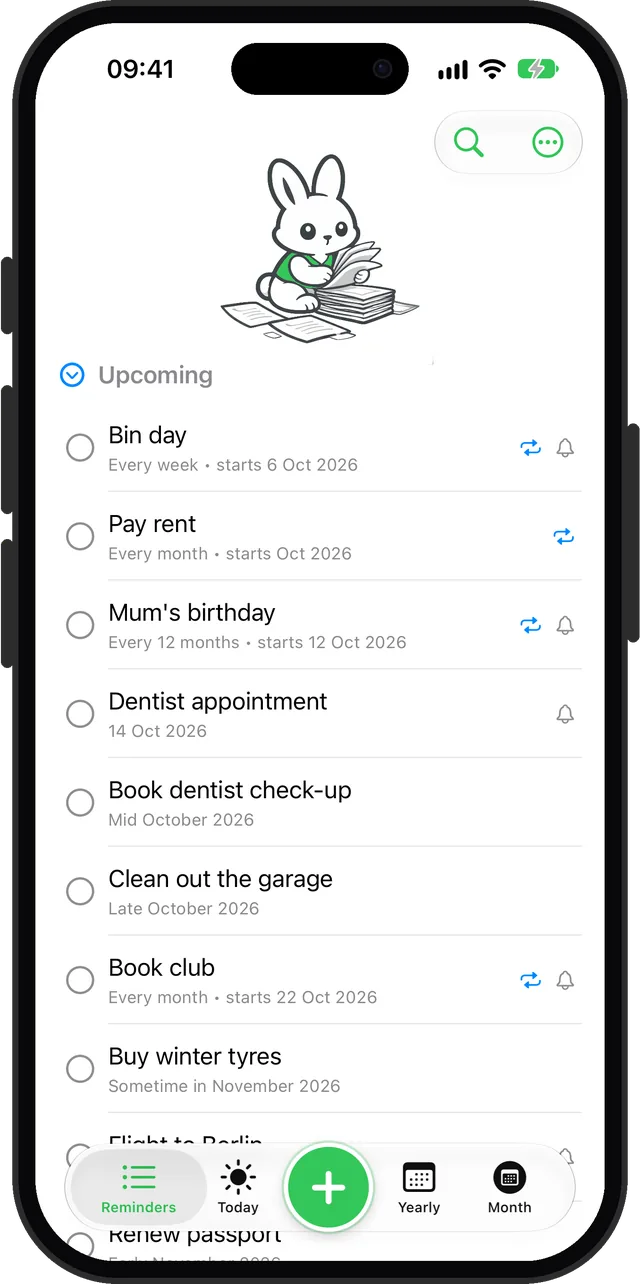
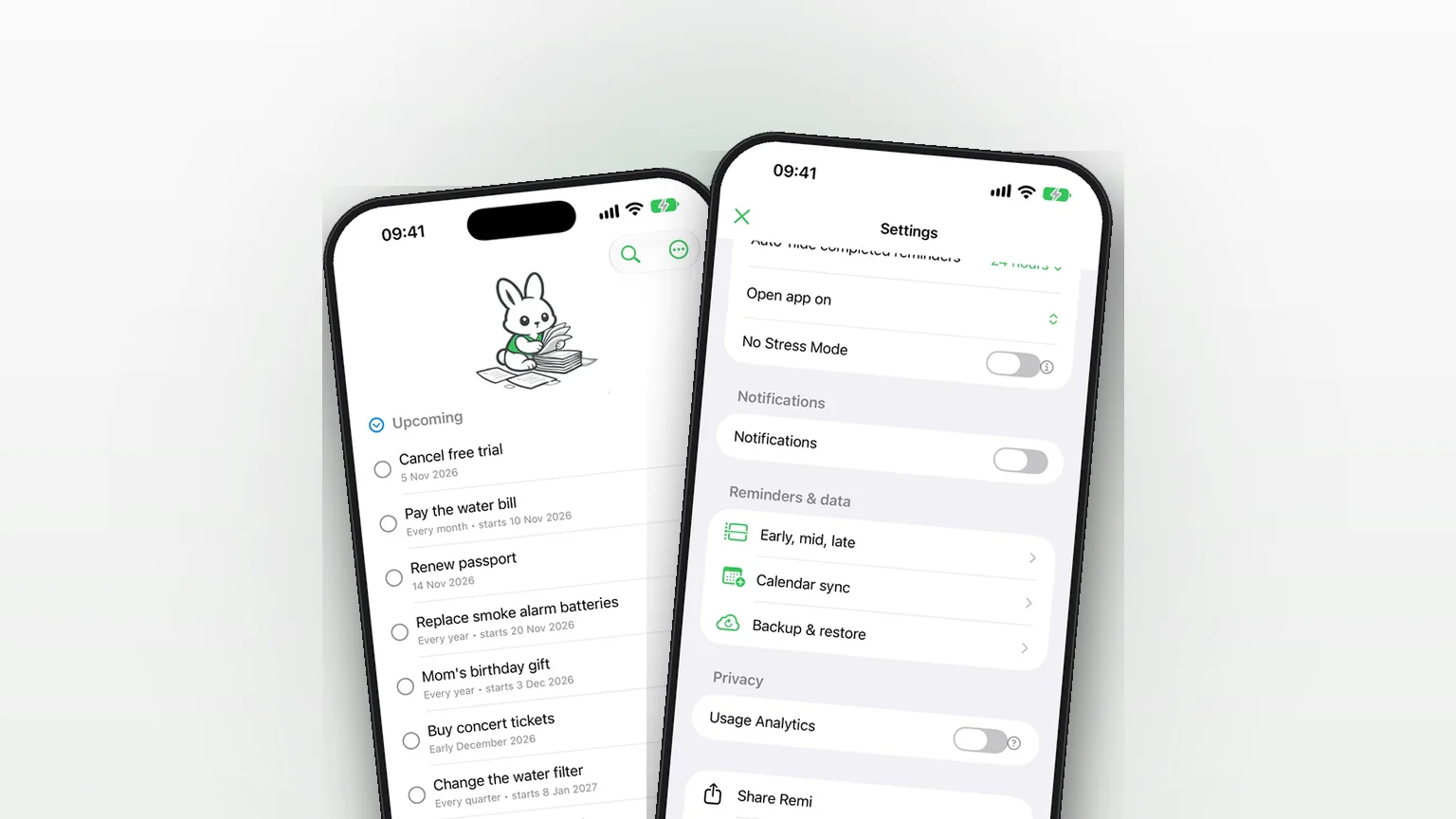
- Open Settings and find the Privacy section. The Usage Analytics switch is on by default. Turn it off to opt out. The question mark beside it explains what is collected.
- In the backup section, flip Enable Backup only if you want a copy. Backup Now writes a file called SomedayBackup.json, and Restore Backup replaces your current reminders and settings with it.
- If you use Sync to Calendar, iOS asks for calendar access the first time. You can revoke it in the iPhone Settings app at any time.
What stays, what leaves, and what you control
| Data | Where it goes | Your control |
|---|---|---|
| Reminders and settings | On your iPhone (and in your iPhone's own backup) | Stays local unless you turn on backup or calendar sync |
| Backup file | Your iCloud, or local storage if iCloud is unavailable | Enable Backup switch |
| Calendar copies | The calendar you pick, which syncs wherever that calendar's account does (for example iCloud) | Sync to Calendar and iOS permission |
| Notifications | Scheduled on the device by iOS | Notifications switch |
| Voice input | Recognized on the device when the iPhone supports it, otherwise by Apple's speech service | Optional, Premium feature |
| Usage analytics | PostHog, hosted in the EU | Usage Analytics switch |
The analytics are product events such as which screen was opened or which feature was used, tagged with the app version and whether Premium is unlocked. The settings help text says no personal data, reminder content or identifiable information is collected. The app declares no tracking in its privacy manifest and lists product interaction data as not linked to you. If you send text through the in-app feedback form, email addresses and phone numbers are replaced with "[redacted]" before it is sent. Apple explains how to read this kind of disclosure in its note on App Privacy details, which are self-reported by developers.
The backup and calendar options are covered in the table above. Voice details are in voice input.
When this is the right choice
You do not want another login
Some apps want an email and a password before you can write a single task. Remi opens to a short intro and then your list, with no email or password at any point. Premium is a one-time purchase and needs no Remi account either.
Your list is personal
Medical check-ups, gifts, money chores and awkward calls are things many people prefer not to put on someone else's server. In Remi the text of those reminders stays on the phone unless you switch on backup to your own iCloud or sync to a calendar.
You are often offline
Adding, editing and completing reminders does not need a connection, because the list is stored on the device. Notifications are local too. A flight, a cabin or a weak signal does not change that. Backup, calendar sync to an online calendar, the Premium purchase and analytics use the network.
You want reminders that are not tied to the calendar
If your list is full of loose, undated things, see how to set a reminder without a date. Remi keeps those in the same private, local list.
You want analytics off
Open Settings, then Privacy, and turn Usage Analytics off. The app calls PostHog's opt-out as soon as you flip the switch.
Honest limits
- Analytics start on. They are opt-out, not opt-in. Until you change the switch, anonymous events are sent.
- No sync between devices by itself. Reminders are stored on one iPhone. A backup to iCloud is a saved copy you restore, not a live account. Restoring replaces what is on the phone.
- No password or lock inside the app. Remi does not add its own passcode. It relies on your iPhone lock.
- No Android or web version. Remi is an iPhone app for iOS 17.6 or later, so "offline reminder app for Android" is not something it covers.
- Local does not mean disaster-proof. If you delete the app or lose the phone without a backup, the reminders go with it. See the table above for how to keep a copy.
- Backup needs iCloud to be useful. Without iCloud, the app falls back to a local file, which is not synced across devices.
For how to plan the rest of your list, start with flexible scheduling, and if you want to talk to a person, use the support page.
Sources
Questions
Is there a private reminder app for iPhone with no account?
Remi has no sign-up or login. You open it and start adding reminders, and the list is stored on your iPhone. Optional features such as iCloud backup use your own Apple account, not a Remi one.
Does Remi work as an offline reminder app?
Yes for the core use. Adding, editing and completing reminders reads and writes storage on the device, and notifications are scheduled locally by iOS. Backup to iCloud, syncing to an online calendar, buying Premium and anonymous analytics are the parts that use a connection.
What does Remi's analytics collect and can I turn it off?
Remi uses PostHog, hosted in the EU, for anonymous product events such as screens viewed and features used, with the app version and whether Premium is unlocked. Reminder content is not sent. Open Settings, find Privacy and turn off Usage Analytics to opt out.
Where are my reminders stored?
On your iPhone, inside the app's own data. If you enable backup, Remi also writes a file named SomedayBackup.json to your iCloud, or to local storage if iCloud is not available.
Is there an offline reminder app for Android?
Not from Remi. It is an iPhone app and needs iOS 17.6 or later. If you are on an iPhone, the same on-device approach applies to every Remi reminder.
A reminder list that stays on your phone
Get Remi on the App StoreMore features
Sync your reminders to the iPhone Calendar app
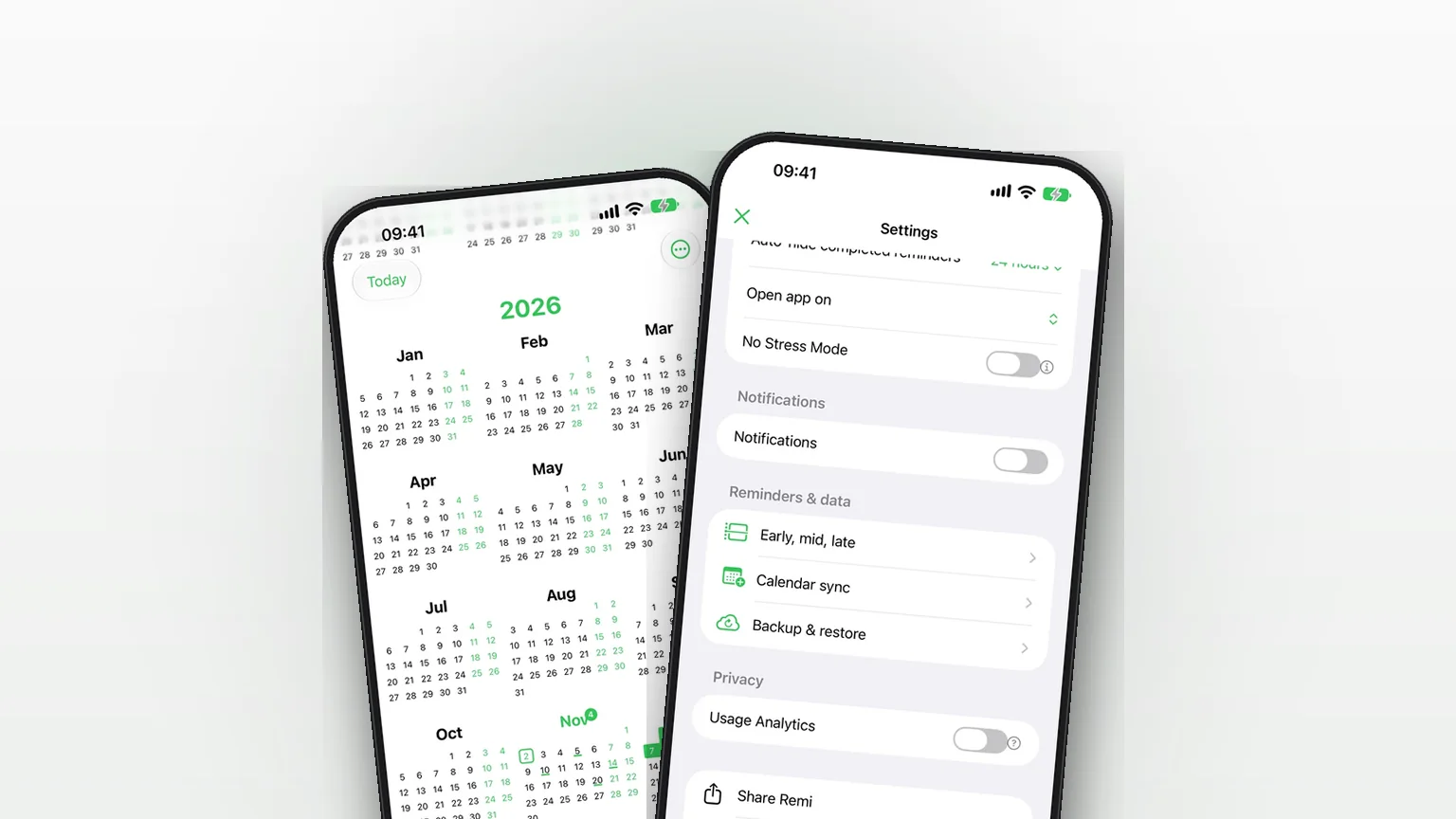
Copy your reminders into an iPhone calendar as all-day events, one way, so your calendar shows them without ever changing Remi.
Flexible scheduling: exact dates, approximate timeframes or someday
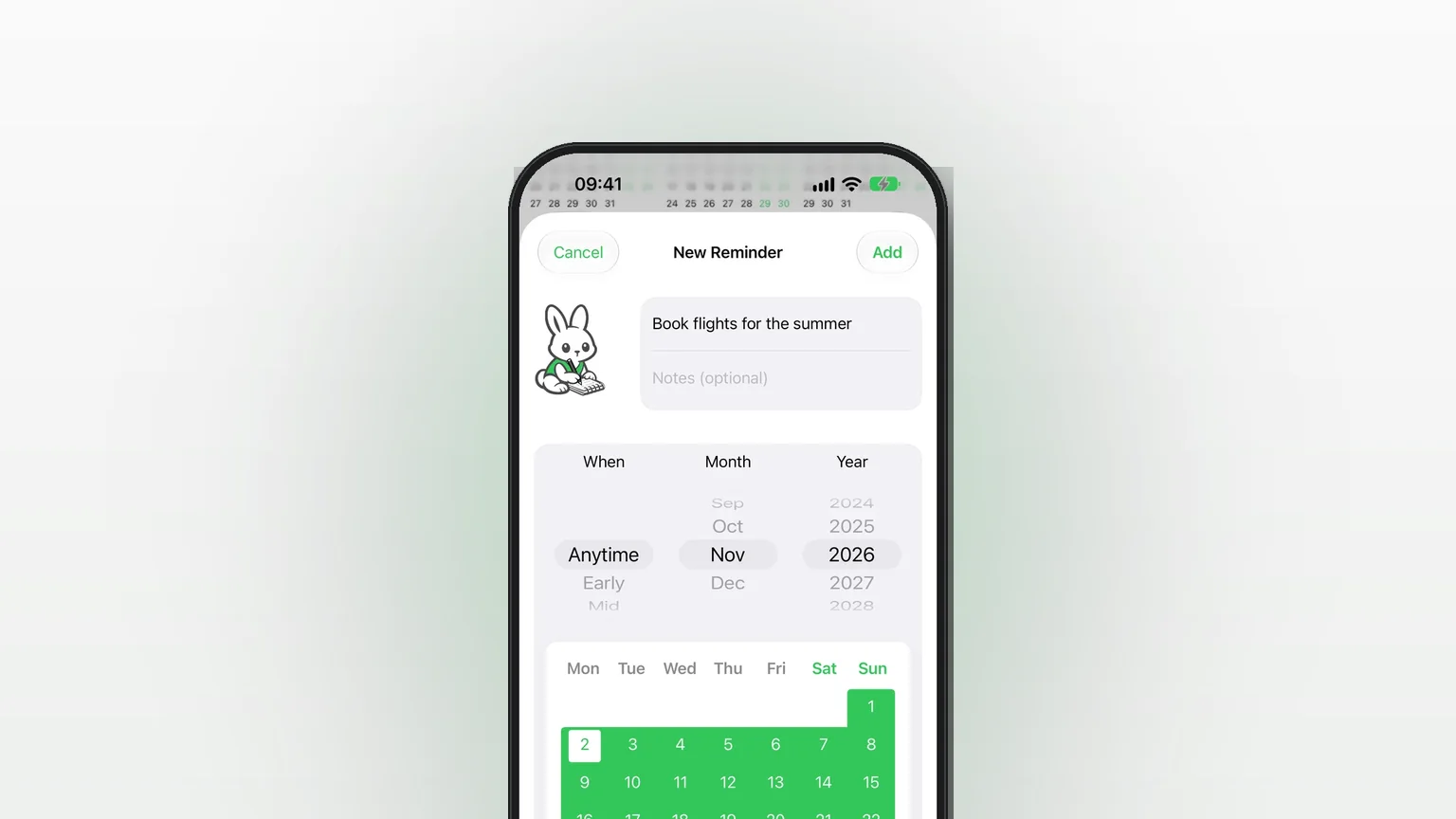
Save a reminder for an exact day, a rough part of a month, or no date at all, and move it forward as plans firm up.
iCloud Backup and Restore in Remi
Back up your reminders and settings to your own iCloud and restore them from inside the app.
Updated 2026-11-01. Written by Emils Ozols, who makes Remi.