Voice input: speak a reminder, Remi fills in the rest
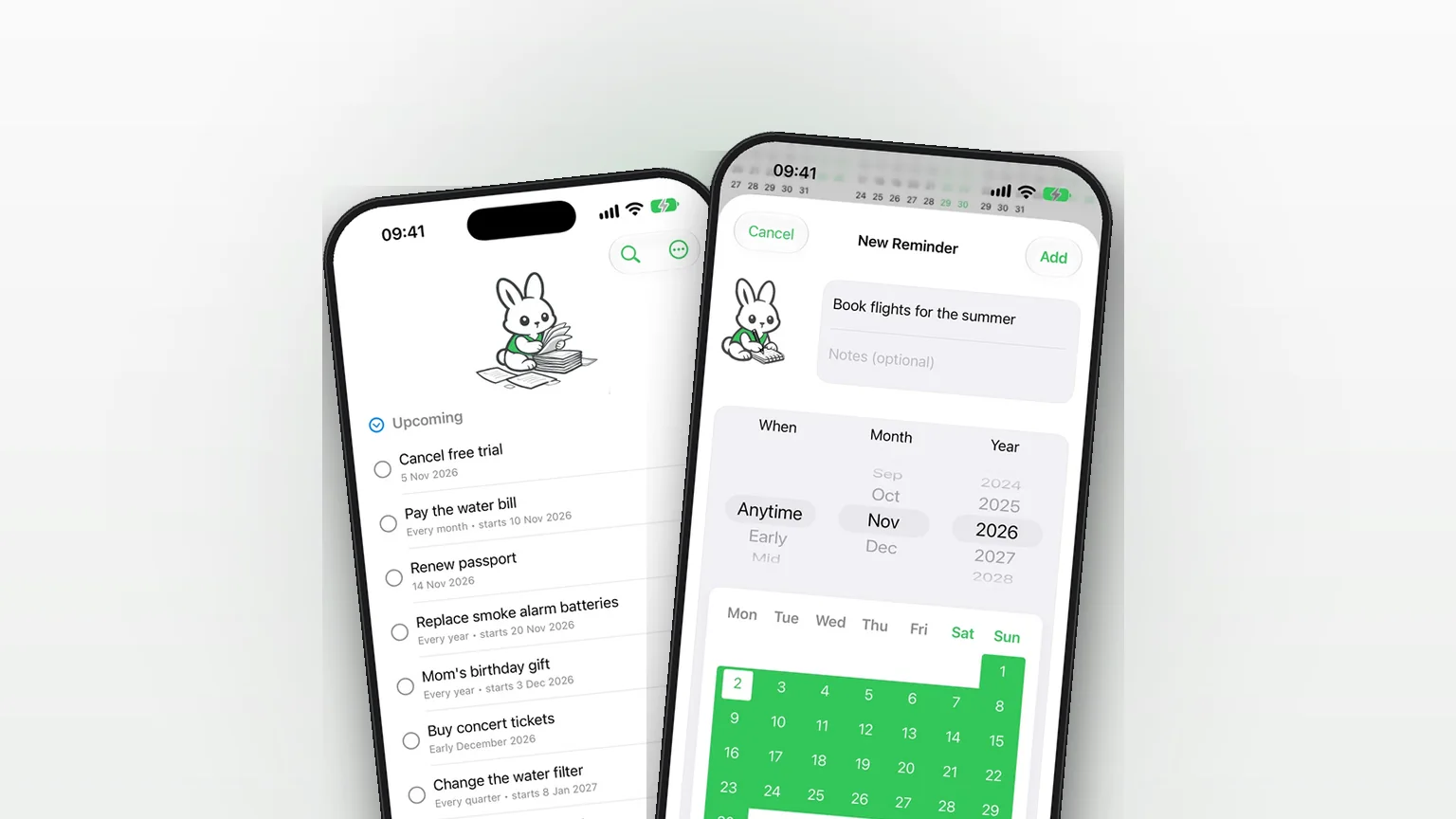
Press and hold the + button in Remi, say "remind me to renew the passport in early November", and let go. Remi turns what you said into a title and a date, and opens the New Reminder screen ready to save.
 Remi is an iPhone appPoint your iPhone camera at the code to install it.
or text me the link
What voice input does
Voice input turns one spoken sentence into a filled-in reminder. You hold the + button, talk, and release. Remi transcribes your speech, picks the date, the repeat and the title out of the sentence, and opens the New Reminder screen with them already set. Nothing is saved until you tap Add, so you can check it first. Voice input is part of Remi's one-time Premium purchase; tapping + to type a reminder stays free.
The built-in Clock app is built for the moment: it rings at a time you set. That is the right tool when something must sound at 7:00. It has no place for "sometime in March" or "early next month". Apple's Reminders app offers Today, Tomorrow, This Weekend, Next Week or Custom as date choices. Remi's voice parser also understands part-of-month phrases such as "early March", and a sentence with no date at all becomes a Someday reminder.
How it works in the app
- Press and hold the + button at the bottom of the screen. After a short hold, a light tap is felt and the + turns into a microphone.
- The first time, iPhone asks for speech recognition and then microphone access. Allow both, then press and hold + again. Remi's own wording is "Remi uses the microphone to transcribe your voice into reminders."
- Keep holding and speak, for example "remind me to book the dentist in early March".
- Let go. Remi waits up to two seconds for the final transcript, then reads it.
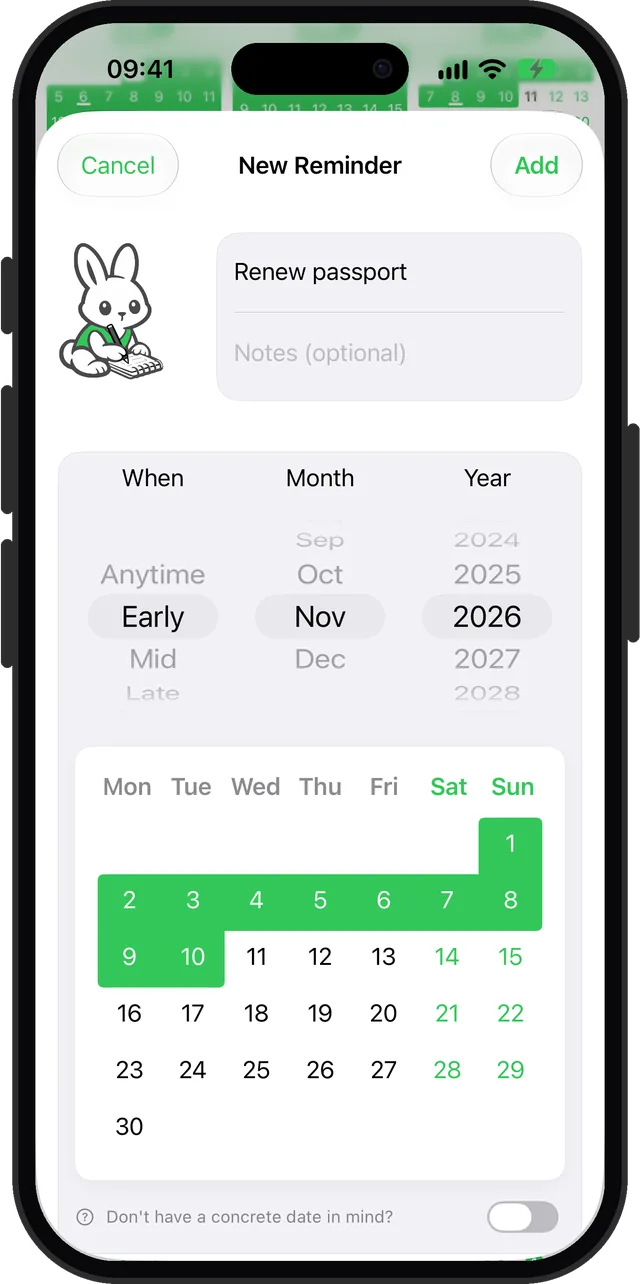
- The New Reminder screen opens with the title and date filled in. The keyboard does not pop up, so you can read the result first.
- Change anything you like, then tap Add. Tap Cancel to throw it away.
The first time a Premium owner opens the app, Remi shows a short "Hold to Speak" tip over the + button. For the general iPhone side of speaking reminders, see the voice reminder guide.
Options: what Remi understands
There are no voice settings to configure. The parser works on the text of what you said and recognises these patterns:
| You say | Remi sets |
|---|---|
| "March 15", "15th March", "3/15" | An exact date |
| "March 15 to 20" | A range of days |
| "early March", "mid March", "end of July" | Early, Mid or Late of that month |
| "in June", "next month", "in 2 months", "next year" | A month with no part (Anytime) |
| "tomorrow", "tonight", "in 3 weeks", "next Friday", "this weekend" | An exact date counted from today |
| "Christmas", "Thanksgiving", "Easter", "Mother's Day" | That holiday's next date |
| "summer", "next winter" | A month: spring is April, summer July, fall October, winter January |
| "every 2 weeks", "monthly", "quarterly", "yearly" | A repeat, plus "3 times" to limit it |
| No date at all | Someday |
A date that has already passed this year rolls to next year. Opening phrases such as "remind me to", "don't forget to" and "I need to" are stripped from the title. Repeats are a Premium feature.
When to use it
Hands full
Cooking, carrying bags or walking the dog. Hold the +, say the thought, release. It takes a few seconds, and you review it later.
A thought that comes at a bad moment
"Renew the passport in early November" is easy to lose before you finish typing a date. Saying it keeps the loose timing intact.
Something with no date
"Learn to make sourdough." With no date in the sentence, Remi files it under Someday. The guide to reminders without a date shows how to review them.
A routine you set in one sentence
"Check the smoke alarms every 3 months" arrives as a repeat every 3 months, starting today.
A holiday plan
"Order flowers for Mother's Day" lands on the right date without you opening a calendar.
Limits
- It needs Premium. Without it, holding the + does not record; it shows a "Premium Feature" message, or nothing if you turned on Hide Premium Prompts in Settings.
- The date parser reads English phrases. Remi asks iPhone to transcribe in your device's language, but a sentence in another language comes through as the title and, with no date found, becomes a Someday reminder.
- No time of day. "At 3 pm" is not read as a time. It stays in the title. For something that must ring at a set time, use an alarm in Clock; see reminder or alarm.
- The title is simplified. Spoken numbers become digits, and the whole title is lowercase except its first letter, so names may need a quick fix on the New Reminder screen.
- "Next week" is not a day. It becomes an Anytime reminder for that month.
- It only creates. You cannot search or complete reminders by voice.
- Permissions are required. If you decline speech recognition or microphone access, nothing is recorded. Remi asks iPhone for on-device recognition whenever your language supports it.
Dates are only as good as the transcript. If iPhone mishears "mid" as "mit", the date will be off, so glance at the New Reminder screen before you tap Add.
Sources
Questions
How do I add a reminder by voice on iPhone with Remi?
Press and hold the + button, speak your reminder, then let go. Remi opens the New Reminder screen with the title and date filled in. Tap Add to save it.
Is voice input free in Remi?
No. Creating reminders by voice is part of Remi's one-time Premium purchase. Typing a reminder with the + button is free, and without Premium a long press does not record.
Can I speak to create a reminder with a time, like 3 pm?
Not as a time. Remi's voice parser sets a day, a part of a month, or no date, and leaves "at 3 pm" in the title. Use an alarm in Clock for something that must ring at a set time.
What is the best voice reminder app for iPhone?
It depends on what you need. Remi suits reminders with loose timing, like "early March" or "someday", because it understands those phrases. If you need a spoken time of day, an alarm in Clock is a better fit.
Does Remi work as a voice activated reminder app without opening it?
No. You open Remi and hold the + button, so it is not triggered by a wake word. Everything you say is turned into a draft you confirm on screen.
Does voice input need an internet connection?
Not if your iPhone supports on-device speech recognition for your language: Remi then requires it, so it works offline. Otherwise iPhone uses Apple's online recognition, which needs a connection. The date parsing itself always runs inside the app on your phone.
Say it, then save it
Get Remi on the App StoreMore features
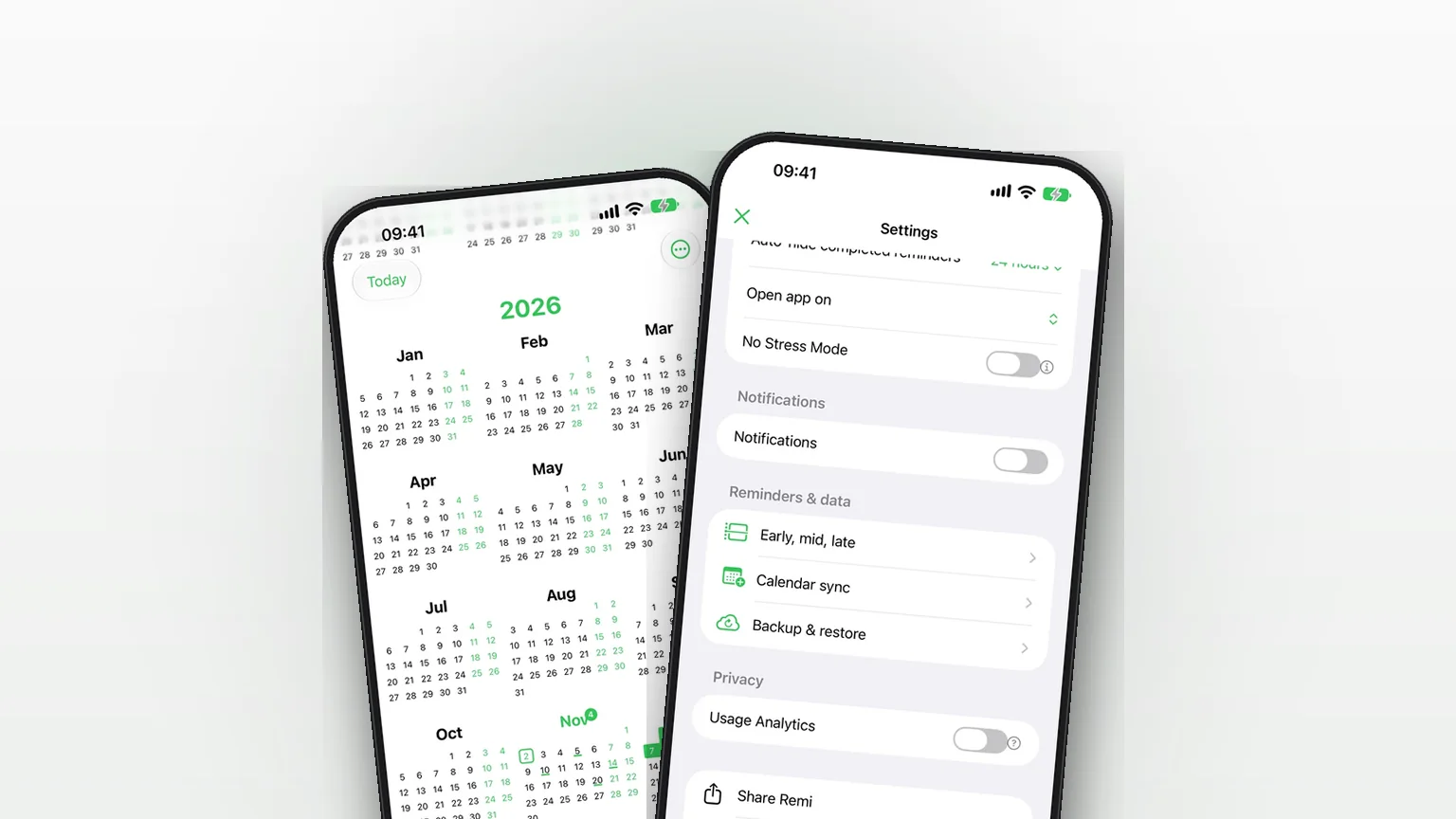
Sync your reminders to the iPhone Calendar app
Copy your reminders into an iPhone calendar as all-day events, one way, so your calendar shows them without ever changing Remi.
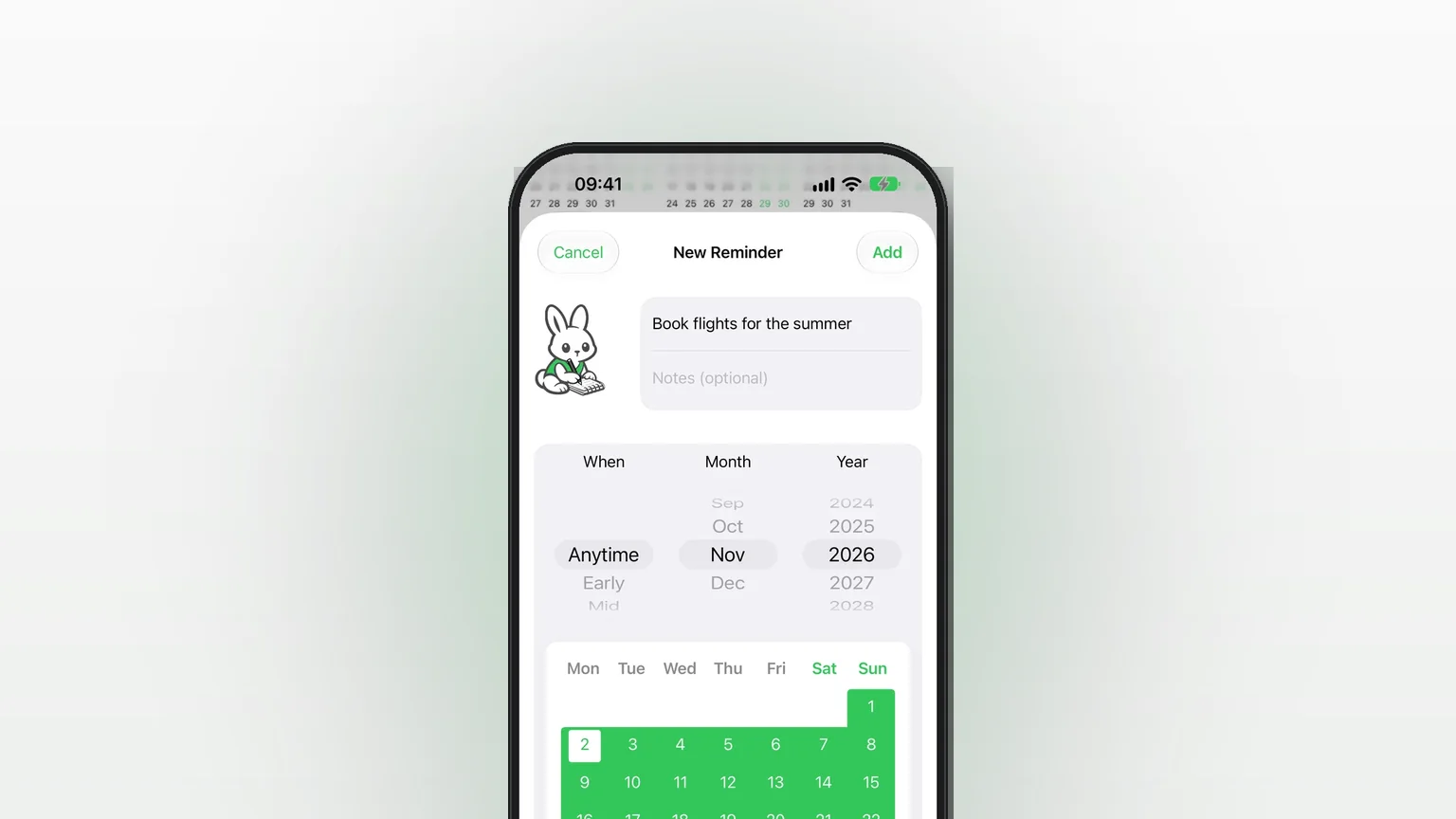
Flexible scheduling: exact dates, approximate timeframes or someday
Save a reminder for an exact day, a rough part of a month, or no date at all, and move it forward as plans firm up.
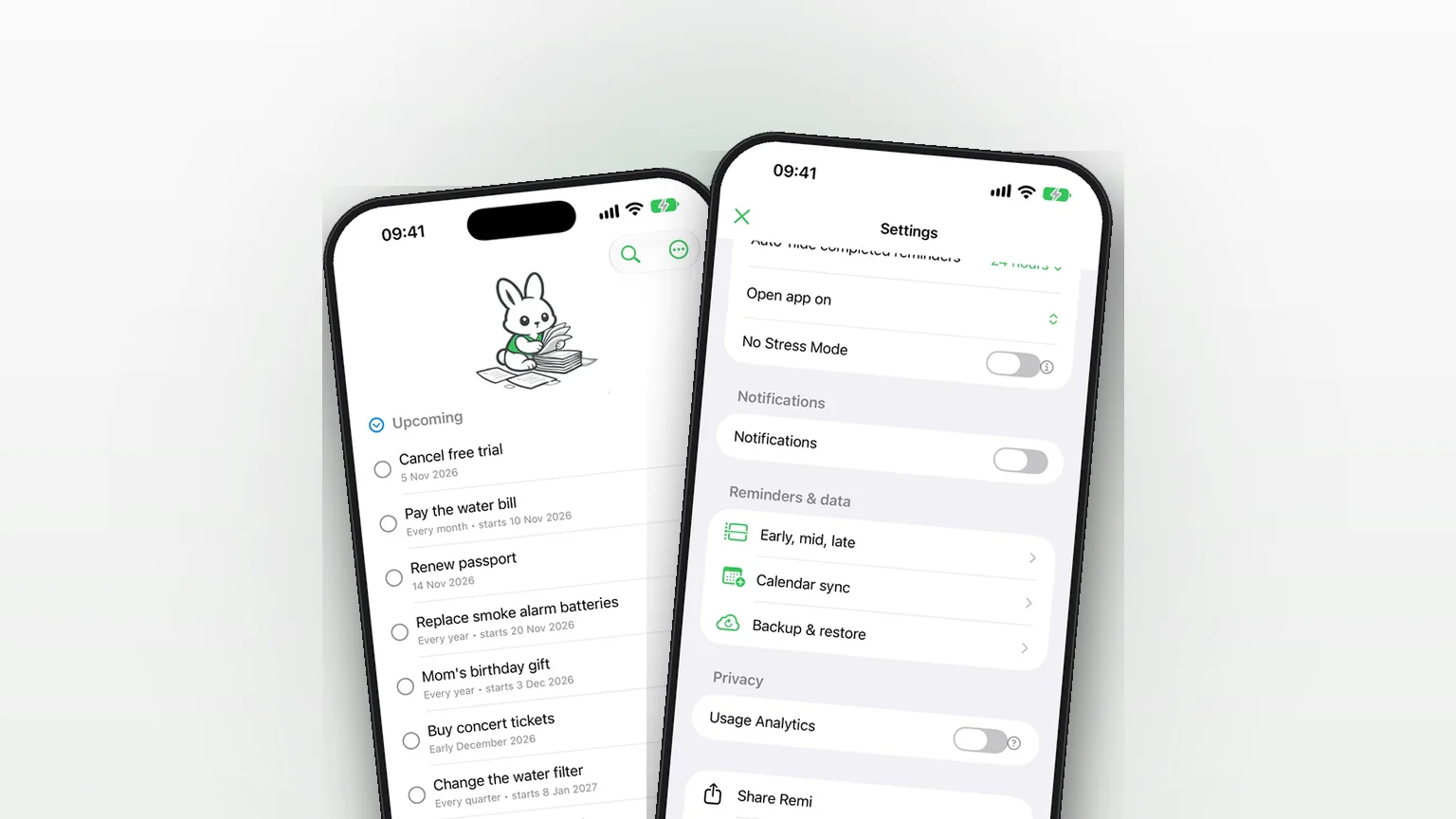
iCloud Backup and Restore in Remi
Back up your reminders and settings to your own iCloud and restore them from inside the app.
Updated 2026-11-01. Written by Emils Ozols, who makes Remi.