How to Set a Yearly Reminder on iPhone
Car insurance renews every March. The boiler wants a service every autumn. Mum's birthday is on the 12th, every year, whether or not you remember on the 11th.
Two kinds of yearly reminder
A birthday or anniversary is a fixed day. A renewal or an annual check-up is more of a season: you want to be thinking about it during that month, not the evening before. Remi does both. Repeats are part of Premium.
Exact date, every year (birthdays, anniversaries)
- Tap + and type it, for example "Mum's birthday".
- Set When to Exact, pick the date and the time you want the notification.
- Open Repeat, choose Custom and set it to every 12 months.
Tip: set the time a day or two early in a separate reminder if you need to buy a present.
A month, every year (renewals, services, check-ups)
- Tap + and type it, for example "Car insurance renewal".
- Set When to Anytime, or Early, Mid or Late, and pick the month.
- Open Repeat and choose Every year. Or Custom, for every 2 or 3 years.
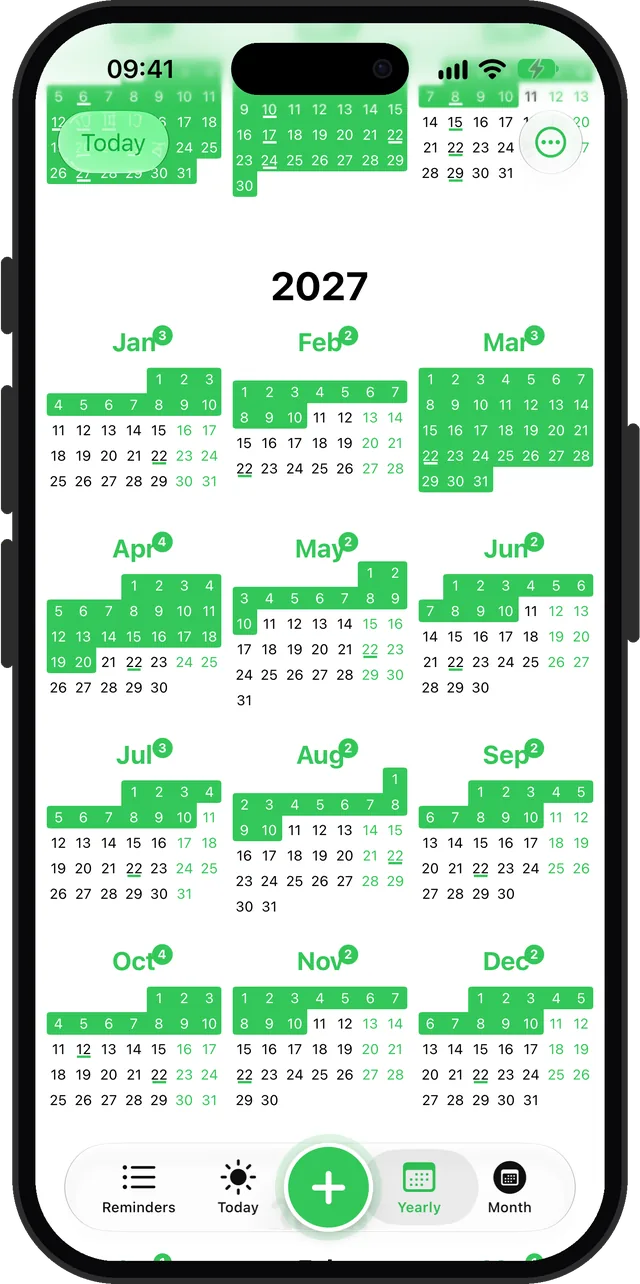
Planning further than a year out
The free version of Remi covers the next twelve months. Premium removes that limit, which matters for things like a passport that expires in three years or a car service every two years.
Questions
How do I set a birthday reminder that repeats every year?
In Remi, create an exact-date reminder on the birthday, then set Repeat to Custom, every 12 months. In the built-in Reminders app, set the date and pick a yearly repeat.
Can I get a yearly reminder for a month instead of a specific day?
Yes, in Remi. Pick Anytime (or Early, Mid or Late) of the month and set Repeat to Every year. It suits renewals and annual check-ups that happen around a time rather than on a day.
Updated 2026-10-01. Written by Emils Ozols, who makes Remi.